

The term Next.js MCP server refers to two different things. As a result, many developers get confused from the start. Some expect to build a custom AI tool. Instead, they end up reading debugging documentation. Others find tutorials about exposing app data to Claude. However, they only wanted their coding agent to detect a hydration error automatically.
This guide clears up that confusion first. Then, it explains both approaches in a practical way. You’ll learn the difference between the built-in Next.js debug bridge and a custom MCP server. Next, you’ll see a working code example for each option. It also highlights important changes in Next.js 16.1, 16.2, and 16.3, including key security updates. By the end, you’ll know which approach fits your needs and why many developers choose the wrong one initially.
What Is a Next.js MCP Server?
A Next.js MCP server is either of two things: Next.js’s built-in DevTools MCP for AI-assisted debugging, or a custom MCP server you build to expose your own app’s data as callable tools. MCP stands for Model Context Protocol, and it is an open protocol that works collaboratively within the entire AI tooling ecosystem to enable AI agents and coding assistants to communicate with applications via a common interface. Without this protocol, every single AI tool will require its own unique integration with each app that it works with.
This concept breaks down into two separate concepts when Next.js comes into play, and in fact, most of the confusion on the subject revolves around the misunderstanding of which of these actually applies. The MCP protocol integrated into Next.js itself as a feature, introduced in Next.js 16, forms the first avenue here. A custom MCP server you build yourself forms the second path, sitting on top of Next.js route handlers and exposing your data as callable tools. Need your coding agent to see what’s breaking in your dev server? Choose the first path. Need Claude pulling live data from your own application? Choose the second.
Native MCP: Letting AI Agents Debug Your Next.js App
Setting up native MCP support takes one configuration step, and it needs zero custom code. Once your coding agent connects, it gains direct visibility into errors, routes, and logs without you ever pasting a stack trace into chat.
How Do You Set Up the Next.js DevTools MCP Server?
Here’s what the setup process actually looks like in practice.
- Add next-devtools-mcp@latest as your MCP server entry in your coding agent’s .mcp.json configuration.
- Start your development server as usual with next dev.
- Your coding agent automatically discovers the running instance through the built-in /_next/mcp endpoint.
- Confirm the connection by asking your agent to check for current errors on a page you’re working on.
There’s no route handler to write here, and no server logic to maintain either. Pinning the @latest tag genuinely matters since the available tool set keeps shifting across releases. Under the hood, next-devtools-mcp works as a thin connector, discovering running Next.js 16+ dev servers and proxying their built-in MCP endpoint, which means it works the same way whether you’re running one project or several at once.
What Can the Next.js DevTools MCP Actually Do?
Once connected, the agent gains a steadily growing set of capabilities. According to Next.js’s own documentation, next-devtools-mcp retrieves current build errors, runtime errors, and type errors straight from the dev server, queries live application state, inspects Server Actions and component hierarchies, and pulls development logs on demand. In practice, this removes real friction on larger projects, where explaining route structure used to eat up debugging time before the agent could even start helping.
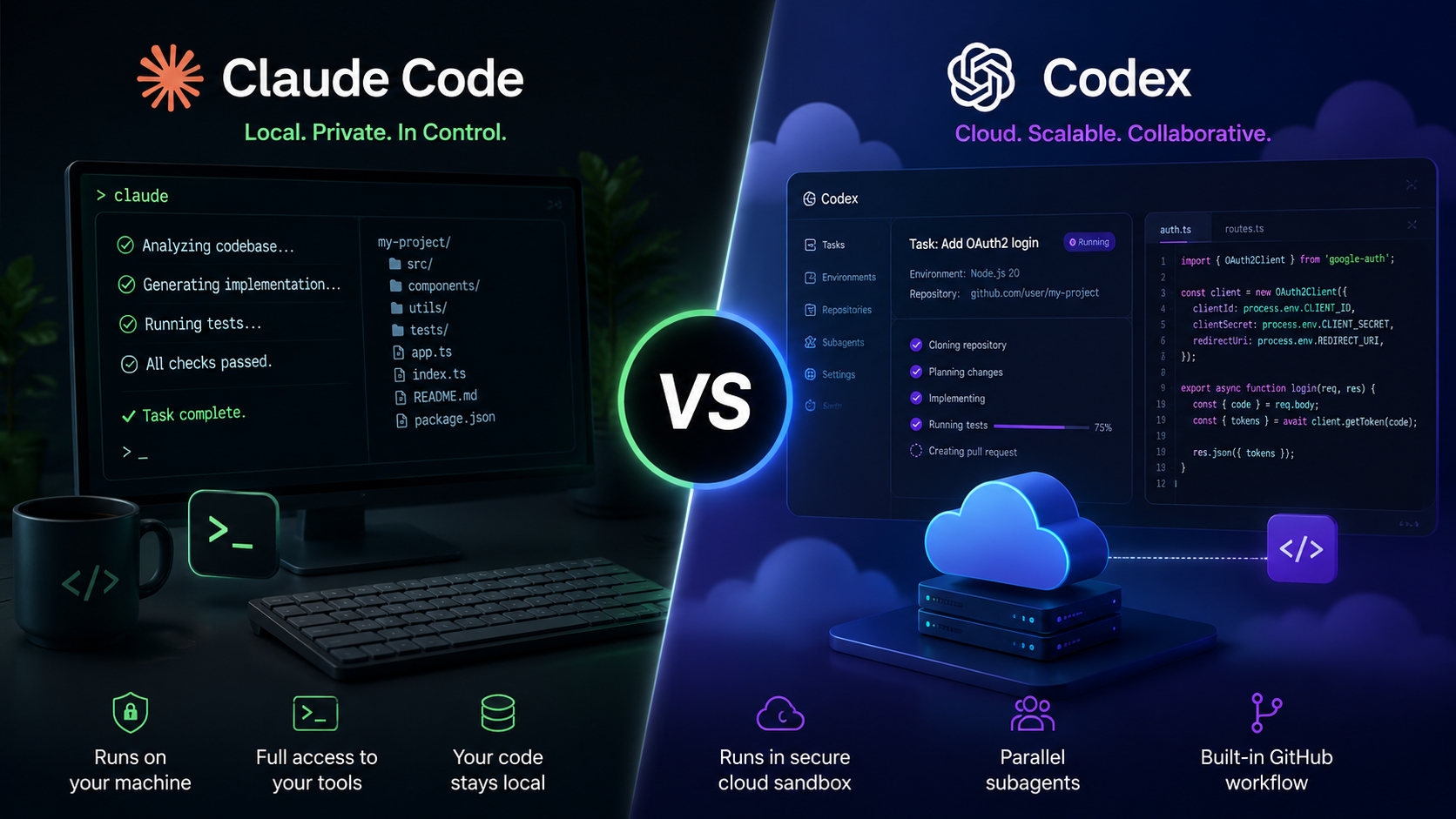
Most popular coding agents support this already, including Claude Code, Cursor, GitHub Copilot, and Google’s Gemini CLI, all built around the same open standard. If you’re trying to decide which AI coding agent fits your workflow before setting any of this up, our guide to the best ai coding assistants in 2026 breaks down current options by use case. And if you’re specifically torn between two major names in that space, see how claude code compares to codex gives a direct, practical comparison.

Building a Custom MCP Server in Next.js
Building your own MCP server means exposing your app’s data as callable tools. The standard approach uses Vercel’s mcp-handler library, which handles protocol details so you can focus on what your tools actually do, keeping your code focused on logic instead of protocol plumbing.
Step-by-Step: Creating Your First Custom Tool
Here are the steps for wiring up your first tool with mcp-handler.
- Install dependencies: npm install mcp-handler @modelcontextprotocol/sdk zod.
- Create a dynamic route at app/[transport]/route.ts. This dynamic segment lets one handler support both HTTP and SSE connections without extra configuration.
- Call createMcpHandler() with a callback that registers your tools.
- Define each tool with server.tool(), which takes four arguments: a name, a description, a Zod input schema, and a handler function.
- Export the handler for both GET and POST methods.
The description argument matters more than it looks.It indicates when the tool should be used by the model, and a loose definition will make the model ignore or use it at the wrong time. It is this small thing that usually makes the difference between a tool being useful and being ignored.
A Working Example: One Useful Tool, Start to Finish
Here’s a compact, complete example: a tool that looks up basic npm package information, something genuinely useful rather than a throwaway demo.
typescript
import { createMcpHandler } from “mcp-handler”;
import { z } from “zod”;
const handler = createMcpHandler((server) => {
server.tool(
“npm_package_lookup”,
“Get the latest version and description for an npm package”,
{ name: z.string().describe(“Package name, e.g. ‘zod'”) },
async ({ name }) => {
const res = await fetch(`https://registry.npmjs.org/${name}/latest`);
const pkg = await res.json();
return {
content: [{ type: “text”, text: JSON.stringify(pkg, null, 2) }],
};
}
);
}, {}, { basePath: “/api” });
export { handler as GET, handler as POST };
That pattern extends to any data source you can imagine. Swap the fetch call for a database query, a CMS lookup, or an internal API, and you’ve got a tool that hands an AI client live access to whatever your app already knows.
Native vs. Custom MCP: A Quick Comparison
The table below provides a comparison between both techniques as it all depends on what your objective is.
| Factor | Native DevTools MCP | Custom MCP Server (mcp-handler) |
| Purpose | AI-assisted debugging of your dev environment | Exposing your app’s own data to AI clients |
| Setup effort | One config file, zero code | Route handler, schema, and tool logic required |
| Requires Next.js 16+ | Yes | No, works on earlier versions too |
| Needs authentication | No, local dev only | Yes, for any production data |
| Typical users | Any developer using an AI coding agent | Developers building AI-facing product features |
Deployment, Transports, and the Newer xmcp Option
Your MCP server can run over two transports, and knowing which applies matters once you move past local testing. A stdio-based local transport connects your agent directly to localhost during development, while production typically uses HTTP with Server-Sent Events, or SSE, for streaming responses over time. Production SSE usually needs Redis for session management, since serverless functions don’t hold state between requests. On Vercel, this often means attaching a KV database through the dashboard. There’s one particular thing that surprises people about Vercel DDoS protection as it may filter out MCP requests unless you set up a firewall bypass rule. In cases where teams run MCP on a large scale, they also separate agent orchestration from tool execution to ensure that failure of one particular tool does not lead to the destruction of a whole session.
Should You Use mcp-handler or xmcp?
mcp-handler gives you full manual control over how tools get wired into your routes. A newer alternative called xmcp is a TypeScript-first framework that auto-discovers tools, prompts, and resources from project folders, skipping the registration boilerplate entirely. Companies including Basehub, an AI-native headless CMS, and Scira AI, an AI search product, have adopted xmcp specifically to ship MCP support faster. Neither tool wins outright: mcp-handler suits developers who want full control, while xmcp suits teams optimizing for speed. If you’re weighing similar build-it-yourself-versus-convention decisions elsewhere, explore more software development guides covers comparable tradeoffs.
Securing Your Custom MCP Server with OAuth
An MCP server without authentication hands out whatever your tools return to anyone who reaches the endpoint. OAuth 2.1 is the current method of choice when it comes to closing that gap by introducing short-lived, scope-limited tokens to replace the previous generations. The generic approach to using it remains unchanged: just add authentication around your handler, validate the incoming bearer token, and then feed the resulting session context to your tools.
Authentication alone doesn’t solve every production concern. Teams building MCP at scale also need bounded memory limits per server instance, plus distributed tracing to correlate agent sessions with the tool calls they triggered.
An often overlooked pitfall is that of making the well-known discovery endpoints of OAuth also go through authentication, which goes against the MCP specification that calls for them to remain public for clients to be able to find out how to authenticate themselves.
What Changed Recently — and Why It Matters for Security
Next.js’s MCP server has evolved fast, and treating it as a one-time setup is a mistake. Three consecutive releases changed what it can do and how safely it does it.
Has Next.js’s MCP Server Changed Recently?
Yes, significantly. Next.js 16.1 was released in December 2025, introducing a get_routes function for fetching all routes using MCP. An even more significant move came in May 2026, when Next.js 16.2.6 was introduced along with thirteen security advisories, including four high-severity middleware and proxy bypass vulnerabilities like CVE-2025-55182, along with a high-severity denial-of-service vulnerability identified by CVE-2025-55184, along with hardening MCP integration. Next.js 16.3 then retired the bundled knowledge-base tools in favor of a bundled AGENTS.md file, adding get_compilation_issues and compile_route in their place. The security advisories from that May release couldn’t be reliably mitigated at the firewall layer, making direct patching mandatory. That’s a clear signal that exposing your app’s internals to an AI agent is genuinely part of your production security surface. Keep both next-devtools-mcp and mcp-handler pinned to their latest versions, since tool names and capabilities keep shifting. If a version bump ever leaves your local repo pointing at the wrong remote during a migration, fixing common git setup errors during deployment walks through the most frequent causes.
Conclusion
A next js mcp server can mean two genuinely different things, and you now know how to tell them apart. The built-in DevTools MCP gives your coding agent live access to errors and routes through nothing more than a configuration file, while a custom server built with mcp-handler or xmcp lets your own app hand data directly to AI tools like Claude or Cursor.Both require the same care around authentication, versioning, and hardening in production as anything else in your stack. Start with getting a single thing working, verify it works well enough, and expand from there.
FAQs
It's either Next.js's built-in tool for AI debugging or a custom server exposing your app's data to AI tools. Yes, for the built-in DevTools MCP. Custom servers built with mcp-handler work on earlier versions too. mcp-handler needs manual tool registration; xmcp auto-discovers tools from your project's folder structure. Yes, for any server returning real app data. Without it, anyone reaching the endpoint can call your tools. Yes. MCP is an open standard that allows any conformant client to connect to the server you build. It can be without authentication. Next.js 16.2.6 shipped 13 CVE fixes alongside this same MCP feature. Only for production-grade streaming sessions. Local development and simple setups work fine without it. What is a Next.js MCP server?
Do I need Next.js 16 to use MCP?
What’s the difference between mcp-handler and xmcp?
Do I need authentication on my MCP server?
Can Claude Code and Cursor use the same MCP server?
Is exposing my app through MCP a security risk?
Do I need Redis to deploy a next js mcp server to Vercel?